3D Modeling
Kids sculpt three-dimensional characters and set up their movement. Their models grow into short animations, complete with sound.
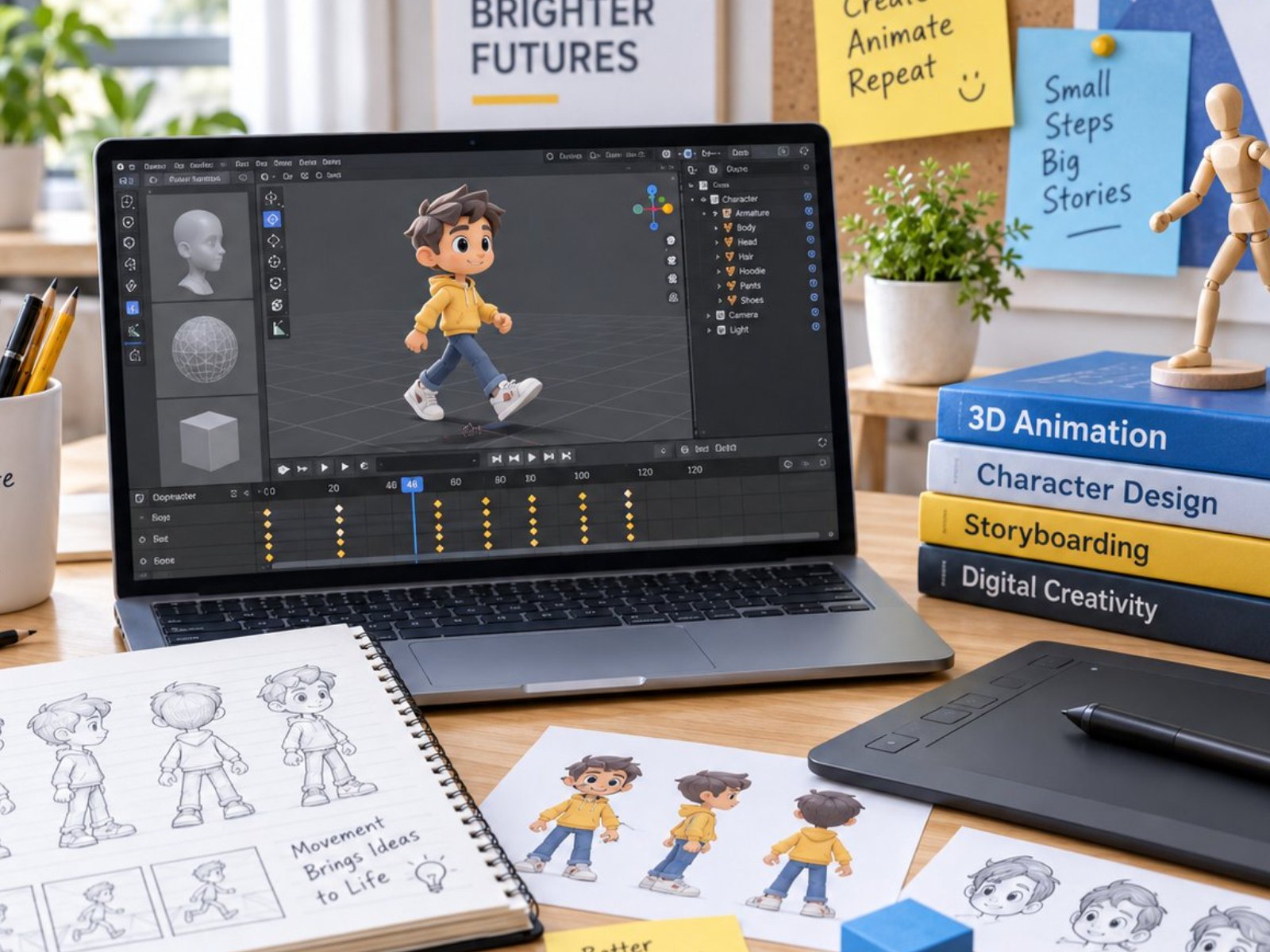 Photo: 3D Modeling (5:4)
Class details
offline at school · online available
1 hr/week
8–25/class (offline) · 50 (online)
Indonesian or English
1 teacher per 4–10 students · 2 teachers up to 20 · >20 opens a second class · extra teacher free
A workbook for every level + their own 3D-printed models to take home (two per level from Basic on)
Computer & stable internet (online classes only)
Classroom (and outdoor area for some activities)
What every student receives
- Student 3D characters & short animations as a portfolio on USB drive
- 3D templates & video tutorials
- Guidebook
- Report card & progress notes
- 3D Modeling certificate each semester
- Photo & video documentation on request
12 levels · 4 stages
Beginner 1–2 · Basic 1–6 · Intermediate 1–2 · Advance 1–2
16 sessions and one book per level
Kindergarten in Beginner, elementary to high school in Basic 1
2 books · 2 semesters (±1 year)
Kindergarten (K2) – Grade 1
Tools / softwarePlaydough and blocks, then tablet (3D block app)
- 3D shapes from playdough and blocks
- Move, rotate and resize on a tablet
- Stop motion and a first 3D-printed model
 Sample work Beginner 1
 Sample work Beginner 2
 Sample work Beginner 3
6 books · 6 semesters (±3 years)
Elementary (new students up to high school start here too)
Tools / softwareBlender; models 3D-printed by a print service
- 3D space, basic shapes and first keyframes
- Edit Mode, parts that fit, and timing
- Characters, short films and an own project
 Sample work Basic 1
 Sample work Basic 2
 Sample work Basic 3
2 books · 2 semesters (±1 year)
After Basic, mostly middle school
Tools / softwareBlender (UV, Texture Paint, Armature, Graph Editor)
- Character modeling with clean topology
- UVs, textures, lighting and turntable renders
- Rigging, facial expressions and a walk cycle
 Sample work Intermediate 1
 Sample work Intermediate 2
 Sample work Intermediate 3
2 books · 2 semesters (±1 year)
After Intermediate, mostly high school
Tools / softwareBlender, Audacity, a portfolio platform
- A short animated film with sound, from storyboard
- Product visualisation from a client brief
- Competition piece, demo reel and portfolio
 Sample work Advance 1
 Sample work Advance 2
 Sample work Advance 3
For every school level
Every student follows the same path; the starting point, pace and depth of the work match their age.
- Starts at
- Beginner 1
- How they learn
- 3D shapes with playdough and blocks, fully guided by the teacher.
- Sample work
- Snowman Friend, Block Robot
- Starts at
- Beginner 2 (grade 1) or Basic 1
- How they learn
- Slower pace with plenty of teacher help; starts Blender with practice files.
- Sample work
- Block Buddy, Explorer Token
- Starts at
- Basic 1
- How they learn
- One book per semester, growing independence in Blender.
- Sample work
- Little Rover, Treasure Box, Assembly Robot
- Starts at
- Basic 1 (new) · Intermediate (continuing)
- How they learn
- Faster pace and deeper projects; moves on to characters, texturing and rigging.
- Sample work
- Creature Buddy, Mascot Figure, Walk Cycle
- Starts at
- Basic 1 (new) · Advance (continuing)
- How they learn
- Independent, project-based, up to a short film with sound and a portfolio.
- Sample work
- Signature Model, a short film, Demo Reel
- Starts at
- Custom class · can continue to Intermediate
- How they learn
- Topics, number of sessions and schedule set with the school; projects that are useful right away.
- Sample work
- A classroom teaching model, a 3D-printed lidded box, a mascot figure
From the 3D Modeling classroom
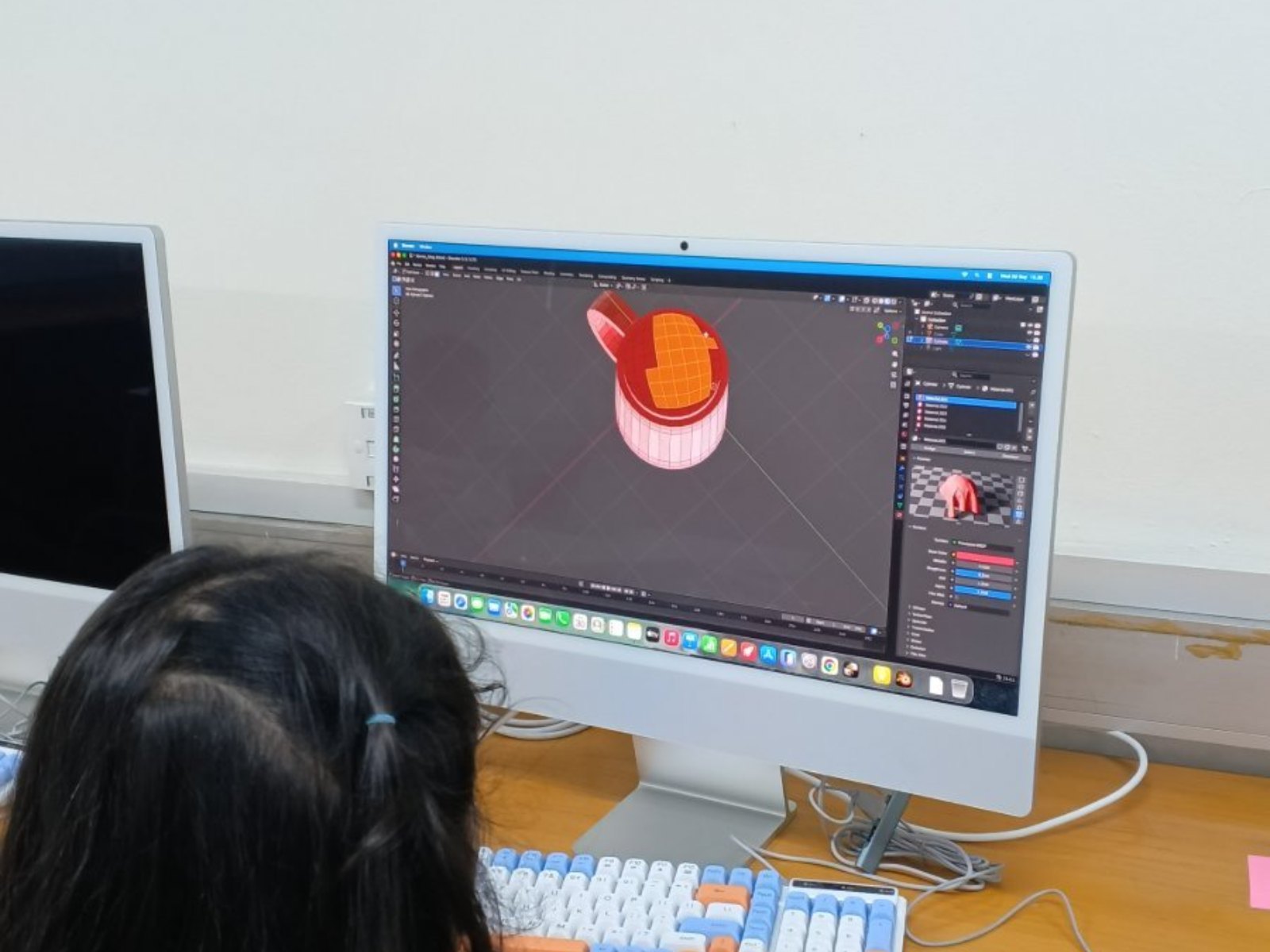 Photo: 3D Modeling 1
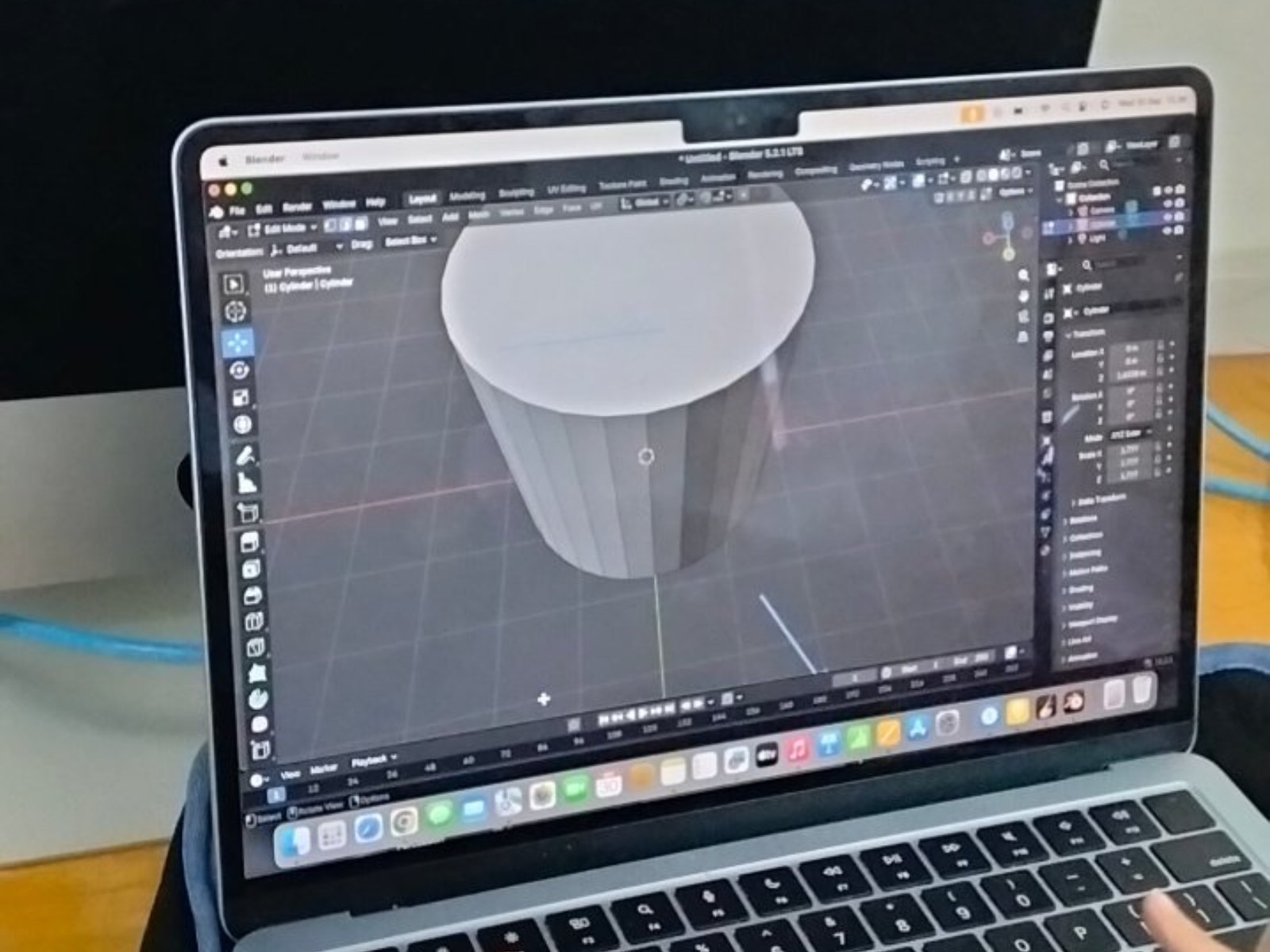 Photo: 3D Modeling 2
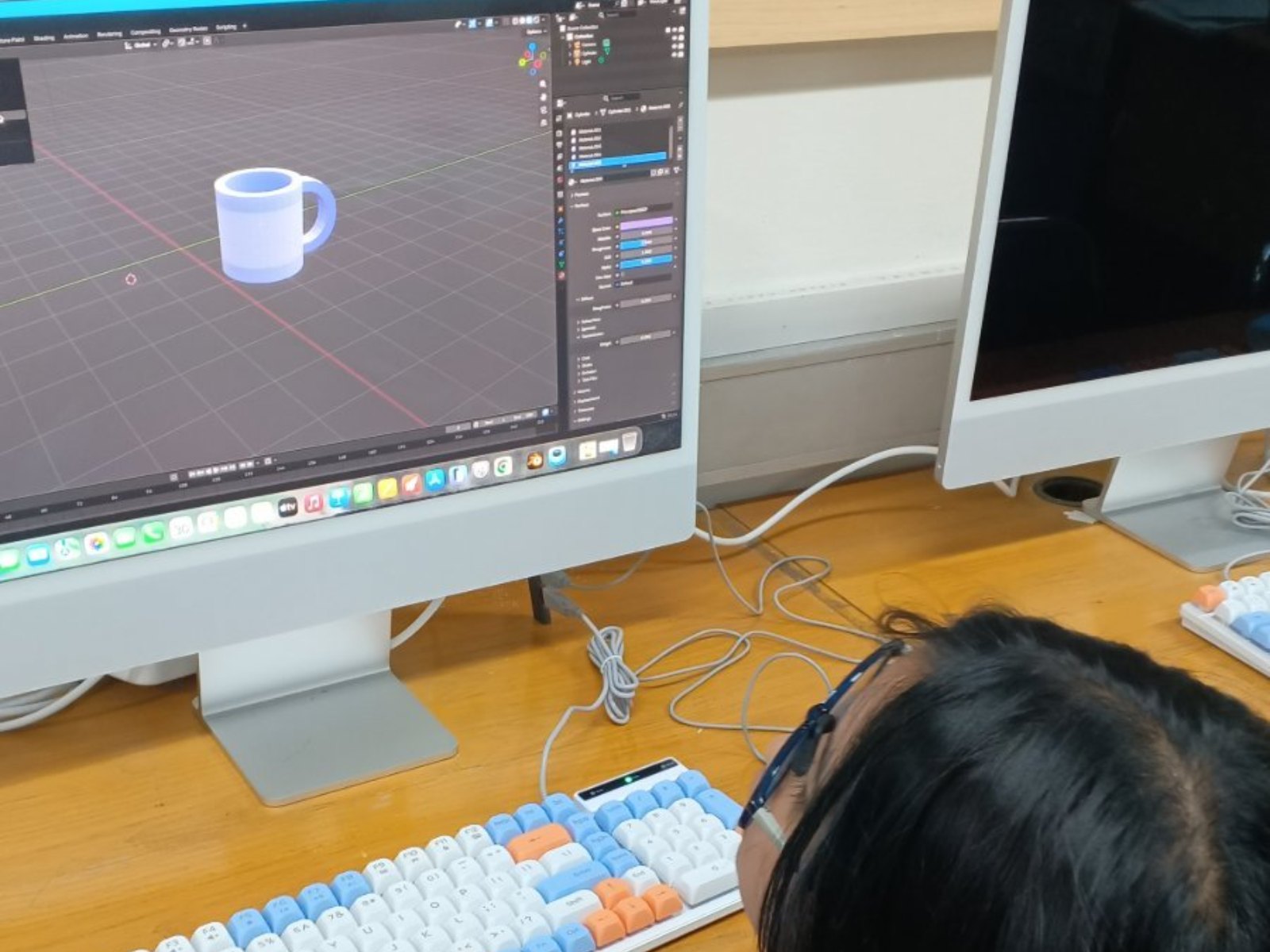 Photo: 3D Modeling 3
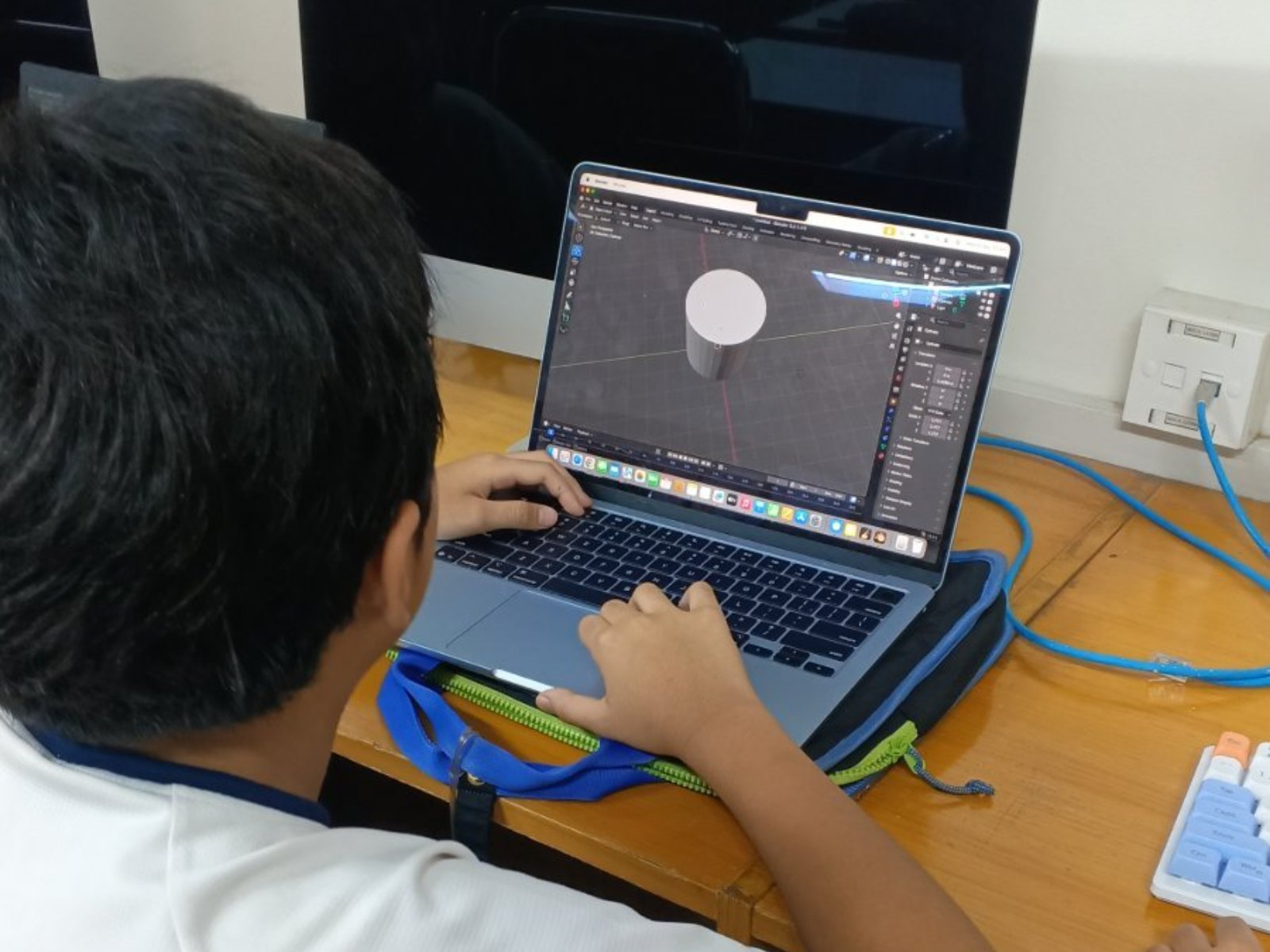 Photo: 3D Modeling 4
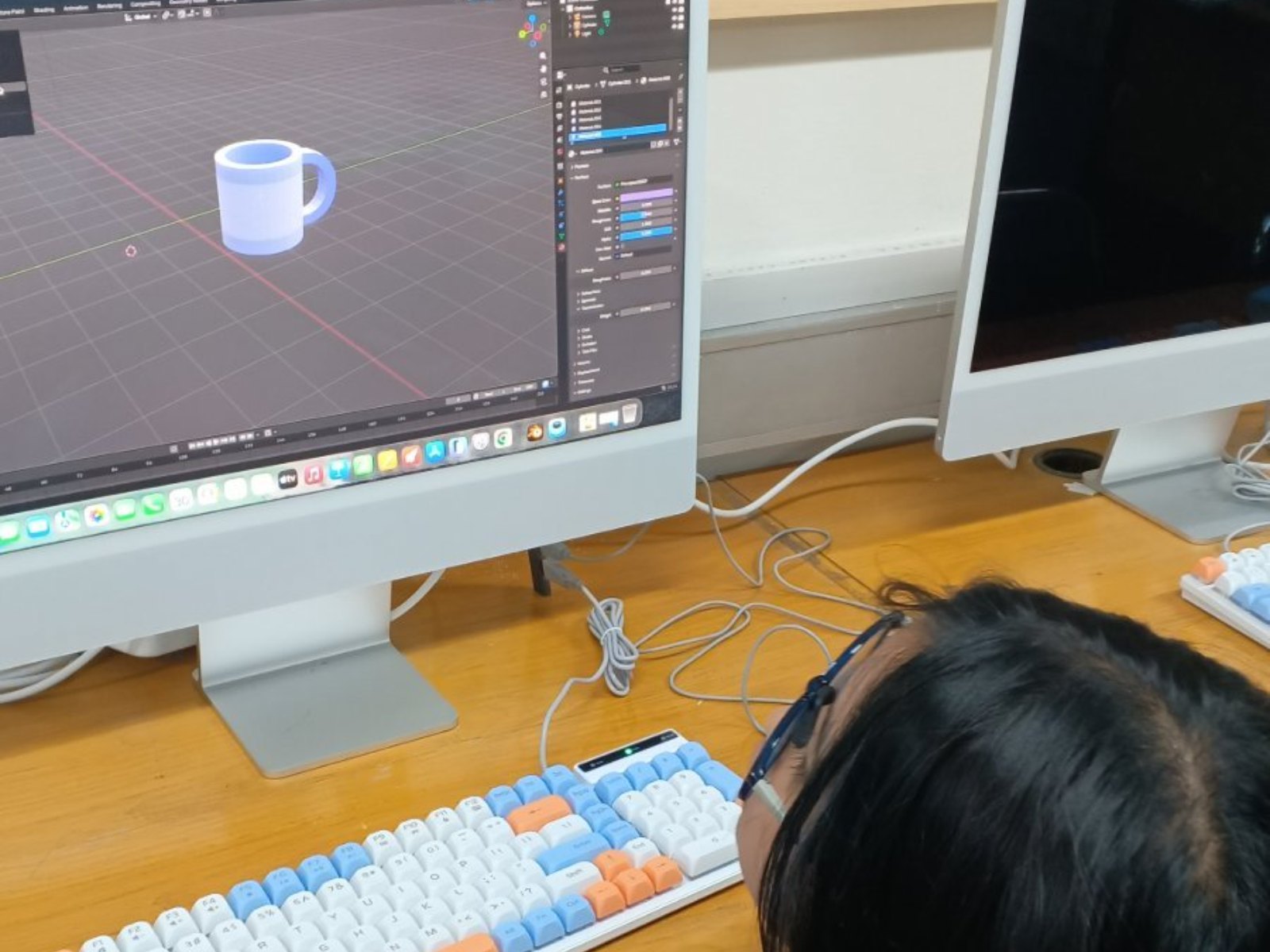 Photo: 3D Modeling 5
Questions about 3D Modeling
Does the school need a special room?
Classroom (and outdoor area for some activities).
What do students need to bring?
Computer & stable internet (online classes only).
How many students are in one class?
Capacity: 8–25/class (offline) · 50 (online). One teacher guides 4–10 students; up to 20 students get two teachers; above 20 a second class opens. Extra teachers at no cost.
How long do students stay in this programme?
There are 12 levels in four stages: Beginner 1–2, Basic 1–6, Intermediate 1–2 and Advance 1–2. One level is one semester (16 sessions) with its own book, so students can continue for years.
How is it different for kindergarten and high school?
The path is the same, but the starting point, pace and depth of work differ. Kindergarten starts in Beginner; new students from elementary to high school start in Basic 1, with middle and high schoolers moving faster and more independently. See "For every school level".
Is there a class for parents or teachers?
Yes. Adult classes are custom-built with the school: topics, number of sessions and schedule are agreed together. Participants who want to continue can move on to the Intermediate stage.
Which software is used?
Beginner uses playdough, blocks and tablets; Basic, Intermediate and Advance use Blender. Selected models at each level are 3D-printed by a print service, so students never handle the printer.
Can the class run online?
Yes. Classes run offline at school, and an online version is also available.
Can the school try it first?
Yes. We run a free demo class or ASA Expo at your school before enrolment opens.