
Robotic
Children build robots, learn about motors and sensors, then give commands through programming. Lessons progress from mechanical builds to robot projects controlled from a phone.
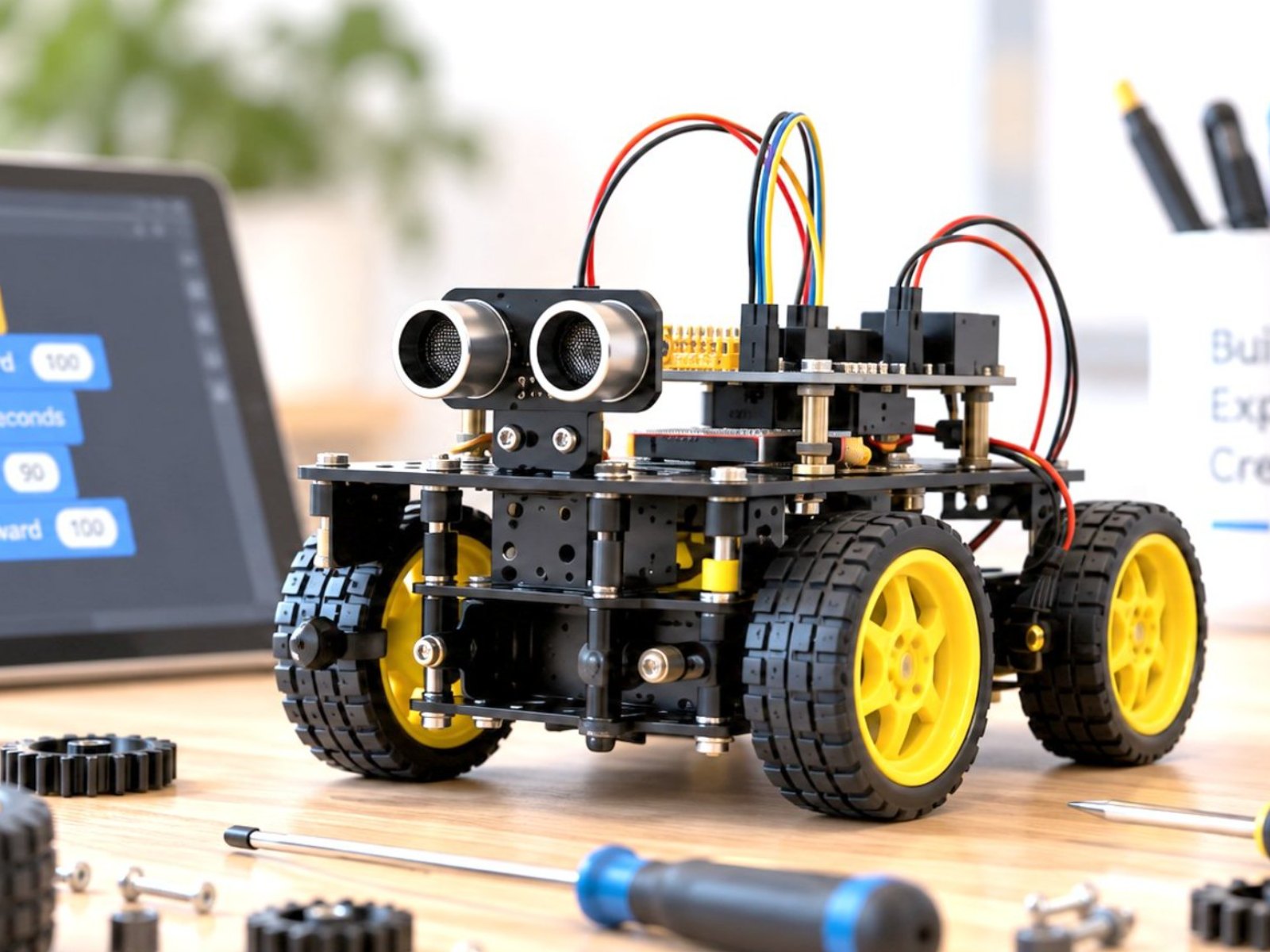 Photo: Robotic (5:4)
Class details
offline at school · online available
1 hr/week
8–25/class (offline) · 50 (online)
Indonesian or English
1 teacher per 4–10 students · 2 teachers up to 20 · >20 opens a second class · extra teacher free
A book for every level, a toolbox and an engineering journal; every semester students take home the robots they build
Computer & stable internet (online classes only)
Classroom (plus outdoor space for some activities)
What every student receives
- The robots each student builds, taken home every semester
- Toolbox to store robot components
- Step-by-step robot building workbook
- Report card & progress report
- Robotic certificate every semester
- Photo & video documentation on request
12 levels · 4 stages
Beginner 1–2 · Basic 1–6 · Intermediate 1–2 · Advance 1–2
16 sessions and one book per level
Kindergarten in Beginner, elementary to high school in Basic 1
2 books · 2 semesters (±1 year)
Kindergarten (K1–K2)
Tools / softwareBig bricks, then motorised bricks (screen-free)
- Sturdy brick building, colour patterns and wheels
- Motors, safe batteries, big and small gears
- A first moving robot shown to parents
 Sample work Beginner 1
 Sample work Beginner 2
 Sample work Beginner 3
6 books · 6 semesters (±3 years)
Elementary (new students up to high school start here too)
Tools / softwareMotorised construction sets, then a smart brick with block coding
- Gears, levers, pulleys, cranks and walking robots
- Touch, distance and colour sensors with block coding
- Missions, sumo, mazes and a self-designed robot
 Sample work Basic 1
 Sample work Basic 2
 Sample work Basic 3
2 books · 2 semesters (±1 year)
After Basic, mostly middle school
Tools / softwareMetal frame + microcontroller (block coding → text code)
- Breadboard, LEDs, servos and ultrasonic sensors, no soldering
- Autonomous metal rovers and a robot arm
- Text code: functions, arrays and state machines
 Sample work Intermediate 1
 Sample work Intermediate 2
 Sample work Intermediate 3
2 books · 2 semesters (±1 year)
After Intermediate, mostly high school
Tools / softwareIoT microcontroller, metal frame, phone app
- Robots controlled and monitored from a phone
- Sensors, data dashboards and IoT notifications
- An own final project and a mini competition
 Sample work Advance 1
 Sample work Advance 2
 Sample work Advance 3
For every school level
Every student follows the same path; the starting point, pace and depth of the work match their age.
- Starts at
- Beginner 1
- How they learn
- Screen-free with big bricks, fully guided by the teacher.
- Sample work
- Push Car, Brick Zoo
- Starts at
- Beginner 2 (grade 1) or Basic 1
- How they learn
- Slower pace, often in pairs, with plenty of teacher help.
- Sample work
- Robot Puppy, Speedy Car, Crane Lift
- Starts at
- Basic 1
- How they learn
- One book per semester, growing independence in building and coding.
- Sample work
- Walking Bot, Obstacle Avoider, Line Follower
- Starts at
- Basic 1 (new) · Intermediate (continuing)
- How they learn
- Faster pace and deeper projects; moves on to microcontrollers.
- Sample work
- Sumo Bot, Metal Rover, Gripper Arm
- Starts at
- Basic 1 (new) · Advance (continuing)
- How they learn
- Independent, project-based, up to IoT robots and a mini competition.
- Sample work
- Maze Solver, Phone-Controlled Rover, a final-project robot
- Starts at
- Custom class · can continue to Intermediate
- How they learn
- Topics, number of sessions and schedule set with the school; projects that are useful right away.
- Sample work
- A machine teaching aid for class, Line Follower, Smart Gate
From the Robotic classroom
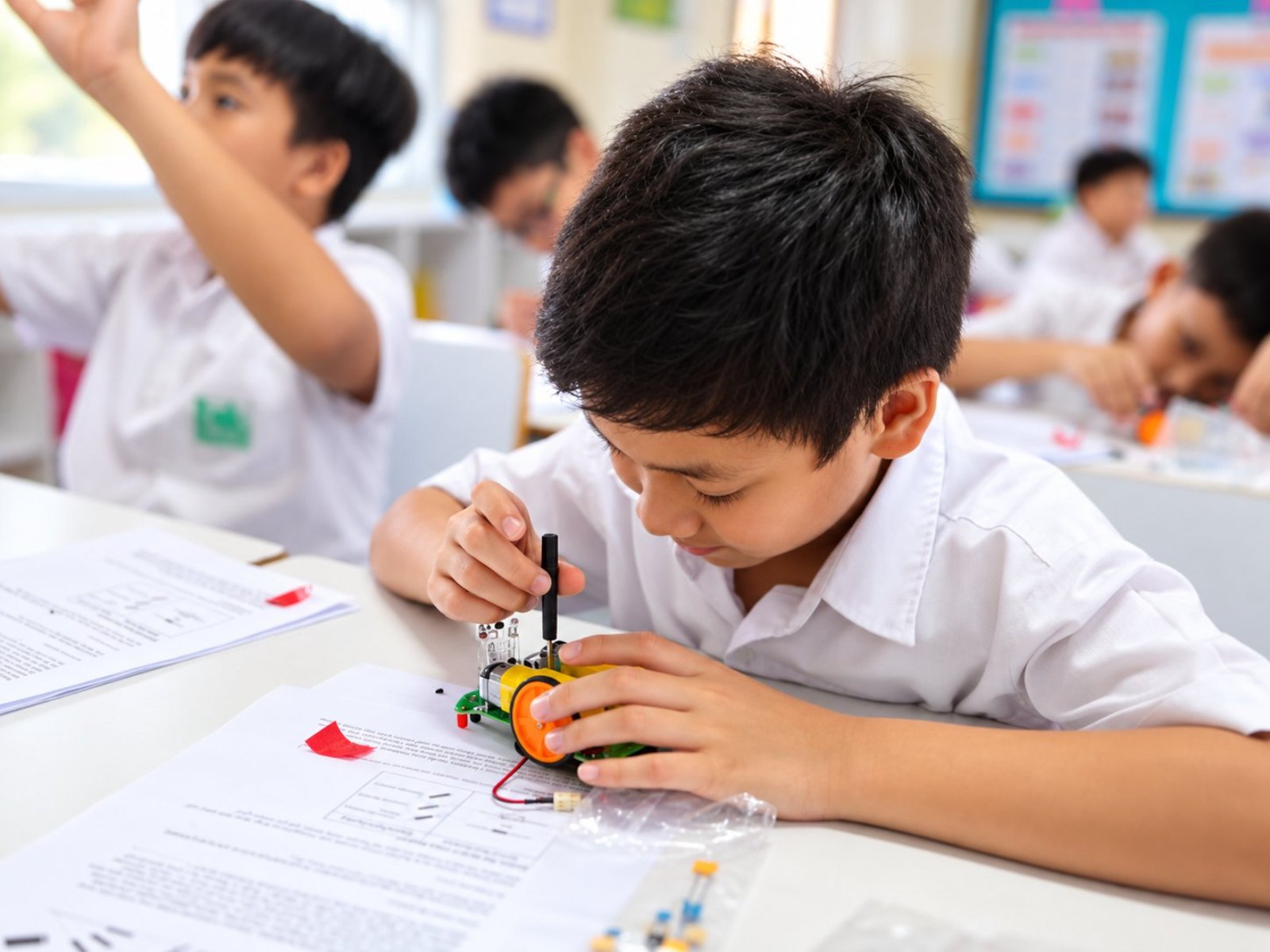 Photo: Robotic 1
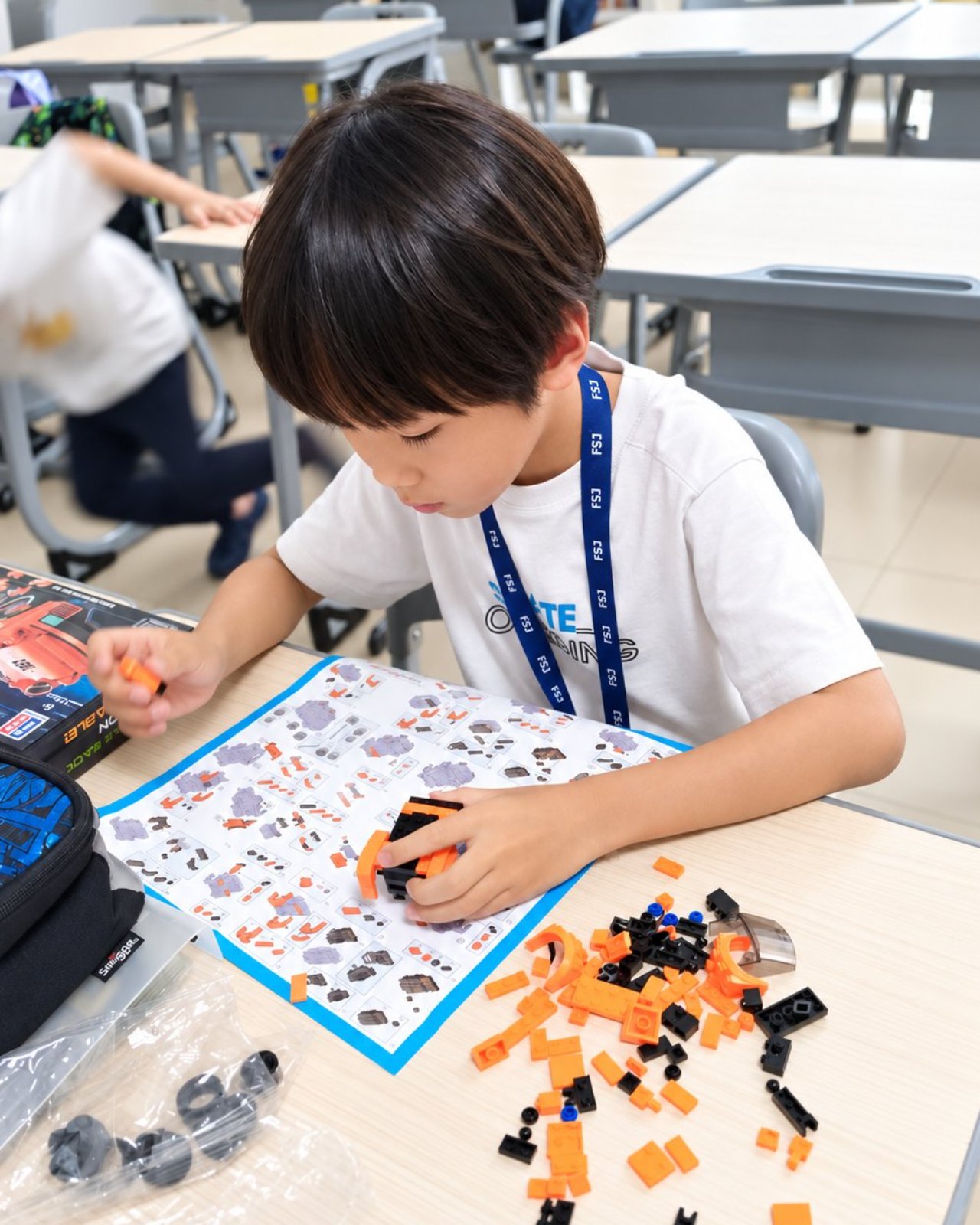 Photo: Robotic 2
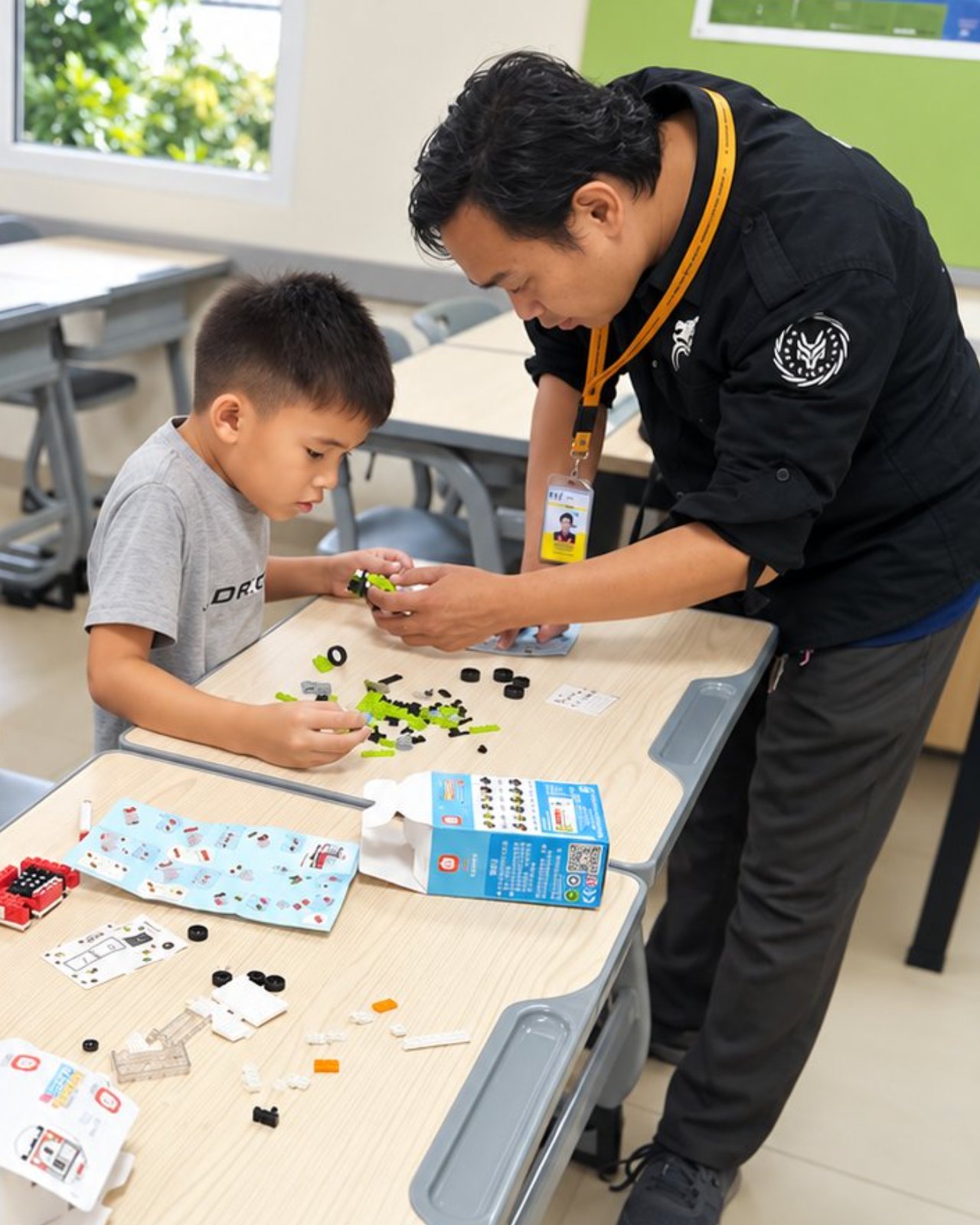 Photo: Robotic 3
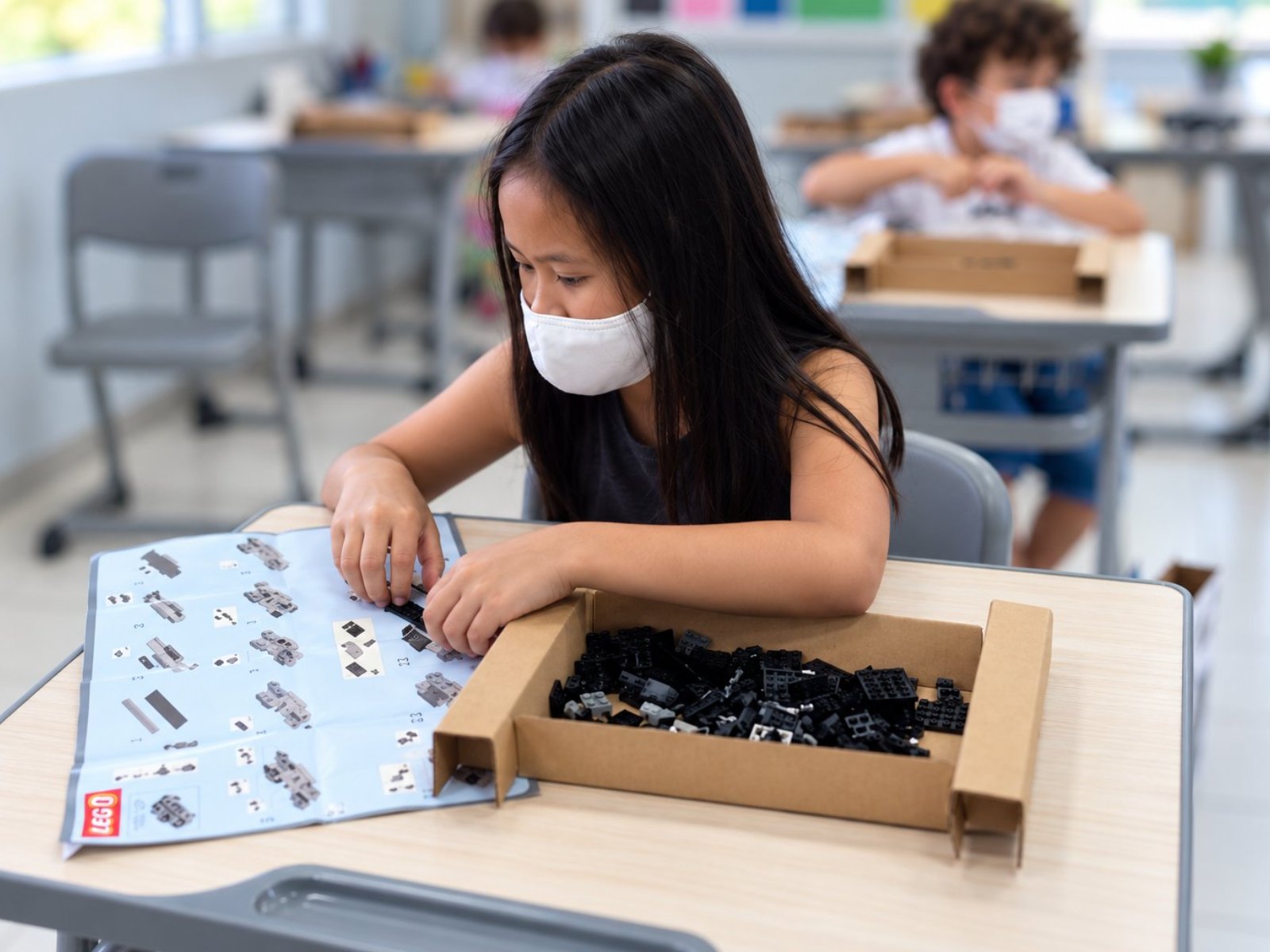 Photo: Robotic 4
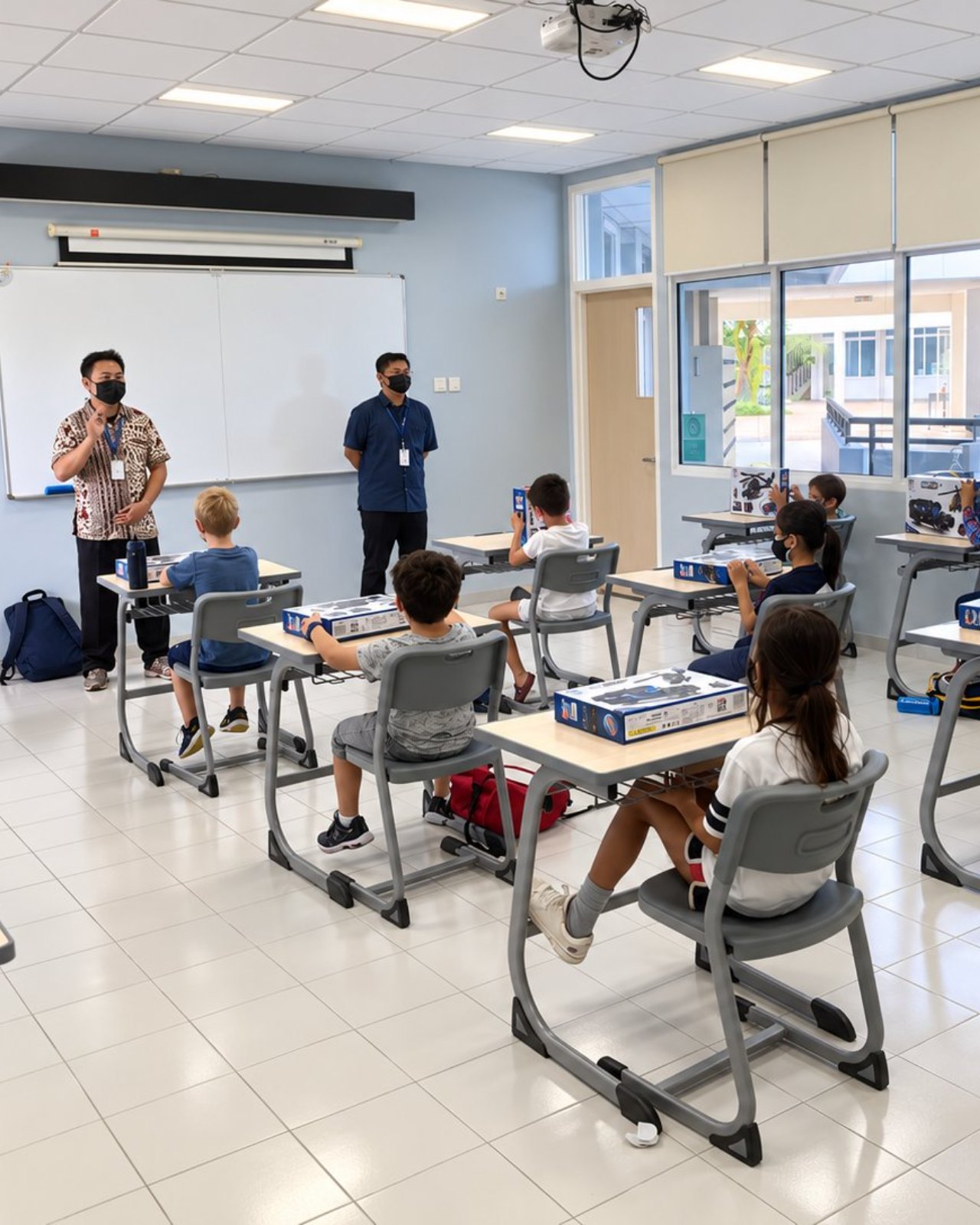 Photo: Robotic 5
Questions about Robotic
Does the school need a special room?
Classroom (plus outdoor space for some activities).
What do students need to bring?
Computer & stable internet (online classes only).
How many students are in one class?
Capacity: 8–25/class (offline) · 50 (online). One teacher guides 4–10 students; up to 20 students get two teachers; above 20 a second class opens. Extra teachers at no cost.
How long do students stay in this programme?
There are 12 levels in four stages: Beginner 1–2, Basic 1–6, Intermediate 1–2 and Advance 1–2. One level is one semester (16 sessions) with its own book, so students can continue for years.
How is it different for kindergarten and high school?
The path is the same, but the starting point, pace and depth of work differ. Kindergarten starts in Beginner; new students from elementary to high school start in Basic 1, with middle and high schoolers moving faster and more independently. See "For every school level".
Is there a class for parents or teachers?
Yes. Adult classes are custom-built with the school: topics, number of sessions and schedule are agreed together. Participants who want to continue can move on to the Intermediate stage.
Which equipment is used, and is it safe?
Beginner uses big bricks, then motorised bricks with no screens; Basic uses motorised construction sets, then a smart brick with block coding; Intermediate and Advance use metal frames and microcontrollers, up to IoT robots run from a phone. Everything is low-voltage, with no soldering and no mains power, and students take home the robots they build each semester.
Can the class run online?
Yes. Classes run offline at school, and an online version is also available.
Can the school try it first?
Yes. We run a free demo class or ASA Expo at your school before enrolment opens.