Graphic Design
Children work with shape, color, text, and images to express ideas visually. Designs become printed products and a digital portfolio that records their creative journey.
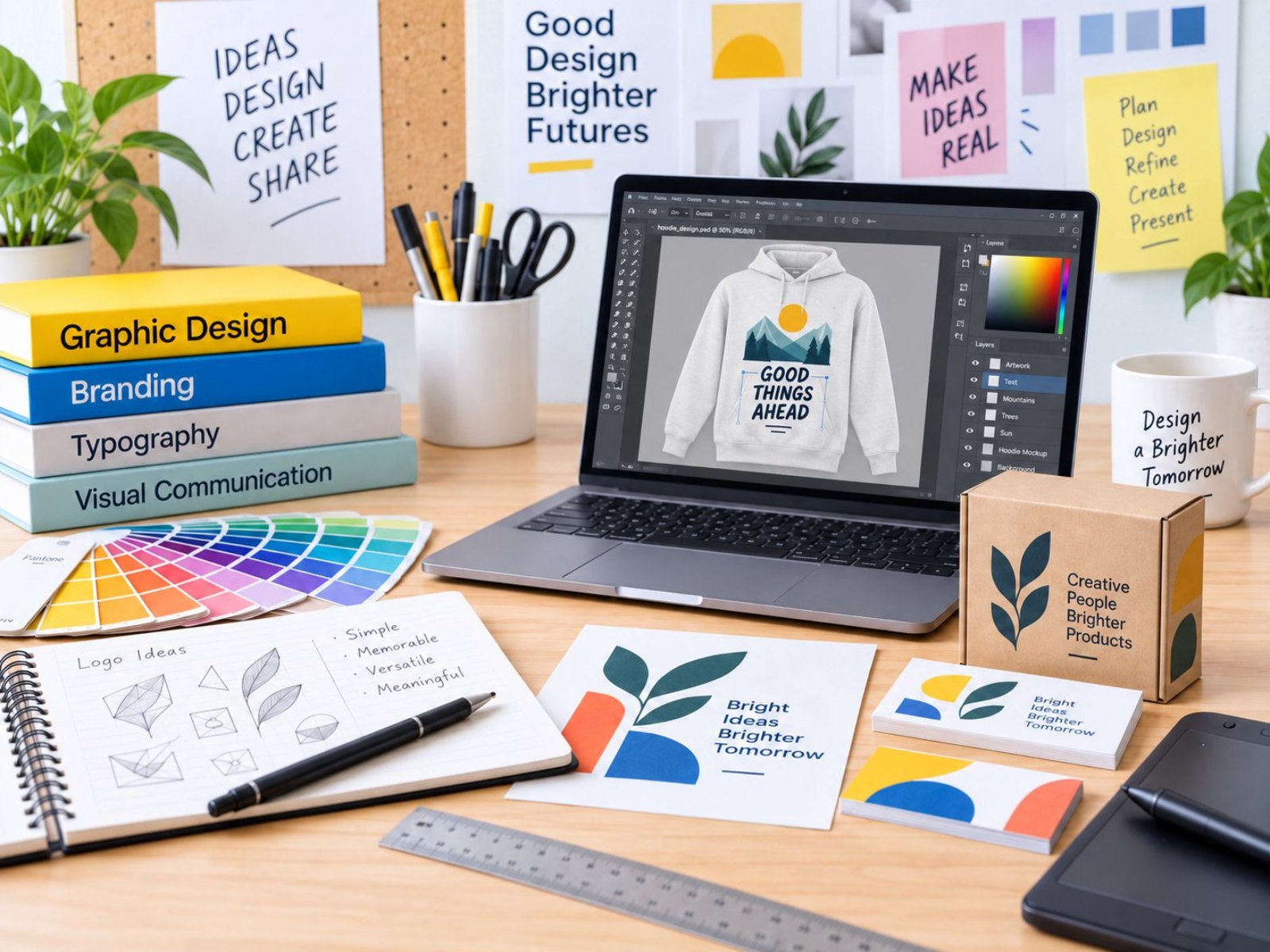 Photo: Graphic Design (5:4)
Class details
offline at school · online available
1 hr/week
8–25/class (offline) · 50 (online)
Indonesian or English
1 teacher per 4–10 students · 2 teachers up to 20 · >20 opens a second class · extra teacher free
A workbook for every level + their own designs printed on real products such as mugs, T-shirts and stickers
Computer & stable internet (online classes only)
Classroom (plus outdoor space for some activities)
What every student receives
- Printed products of own designs: T-shirt, mug, calendar, ID card
- Design portfolio (source & export files) on a flash drive
- Graphic design step-by-step workbook
- Report card & progress report
- Graphic Design certificate every semester
- Photo & video documentation on request
12 levels · 4 stages
Beginner 1–2 · Basic 1–6 · Intermediate 1–2 · Advance 1–2
16 sessions and one book per level
Kindergarten in Beginner, elementary to high school in Basic 1
2 books · 2 semesters (±1 year)
Kindergarten (K2) – Grade 1
Tools / softwarePaper, crayons, sponge stamps, then a tablet and Photopea templates
- Colours, shapes and one main picture
- Stamped patterns and stickers on a tablet
- From screen to paper: a printed badge
 Sample work Beginner 1
 Sample work Beginner 2
 Sample work Beginner 3
6 books · 6 semesters (±3 years)
Elementary (new students up to high school start here too)
Tools / softwarePhotopea
- Contrast, colour, text layout, grids and patterns
- Designs that fit real product shapes and sizes
- Fold-up packaging nets and a club identity
 Sample work Basic 1
 Sample work Basic 2
 Sample work Basic 3
2 books · 2 semesters (±1 year)
After Basic, mostly middle school
Tools / softwareAdobe Illustrator
- Moving from Photopea to vector design
- Pen tool, Pathfinder, patterns and screen-print separations
- Packaging dielines and print-ready files
 Sample work Intermediate 1
 Sample work Intermediate 2
 Sample work Intermediate 3
2 books · 2 semesters (±1 year)
After Intermediate, mostly high school
Tools / softwareAdobe Illustrator
- Brand identity for a real client
- A competition poster and an own product line
- A digital portfolio and a final exhibition
 Sample work Advance 1
 Sample work Advance 2
 Sample work Advance 3
For every school level
Every student follows the same path; the starting point, pace and depth of the work match their age.
- Starts at
- Beginner 1
- How they learn
- Paper, stamps and tablets, fully guided by the teacher.
- Sample work
- Shape Animal Collage, Stamp Pattern Paper Bag
- Starts at
- Beginner 2 (grade 1) or Basic 1
- How they learn
- Slower pace, fewer steps, with plenty of teacher help.
- Sample work
- Icon Sticker Friends, a mug design, a greeting card
- Starts at
- Basic 1
- How they learn
- One book per semester, growing independence.
- Sample work
- A T-shirt design, a desk calendar, a tote bag
- Starts at
- Basic 1 (new) · Intermediate (continuing)
- How they learn
- Faster pace and deeper projects; moves on to Adobe Illustrator.
- Sample work
- Playing cards, Vector Mascot, Snack Box Dieline
- Starts at
- Basic 1 (new) · Advance (continuing)
- How they learn
- Independent, project-based, up to a brand identity for a real client.
- Sample work
- Mini Brand Guide, Brand Book, Digital Portfolio
- Starts at
- Custom class · can continue to Intermediate
- How they learn
- Topics, number of sessions and schedule set with the school; projects that are useful right away.
- Sample work
- A family event invitation, a class worksheet, a vector business logo
From the Graphic Design classroom
 Photo: Graphic Design 1
 Photo: Graphic Design 2
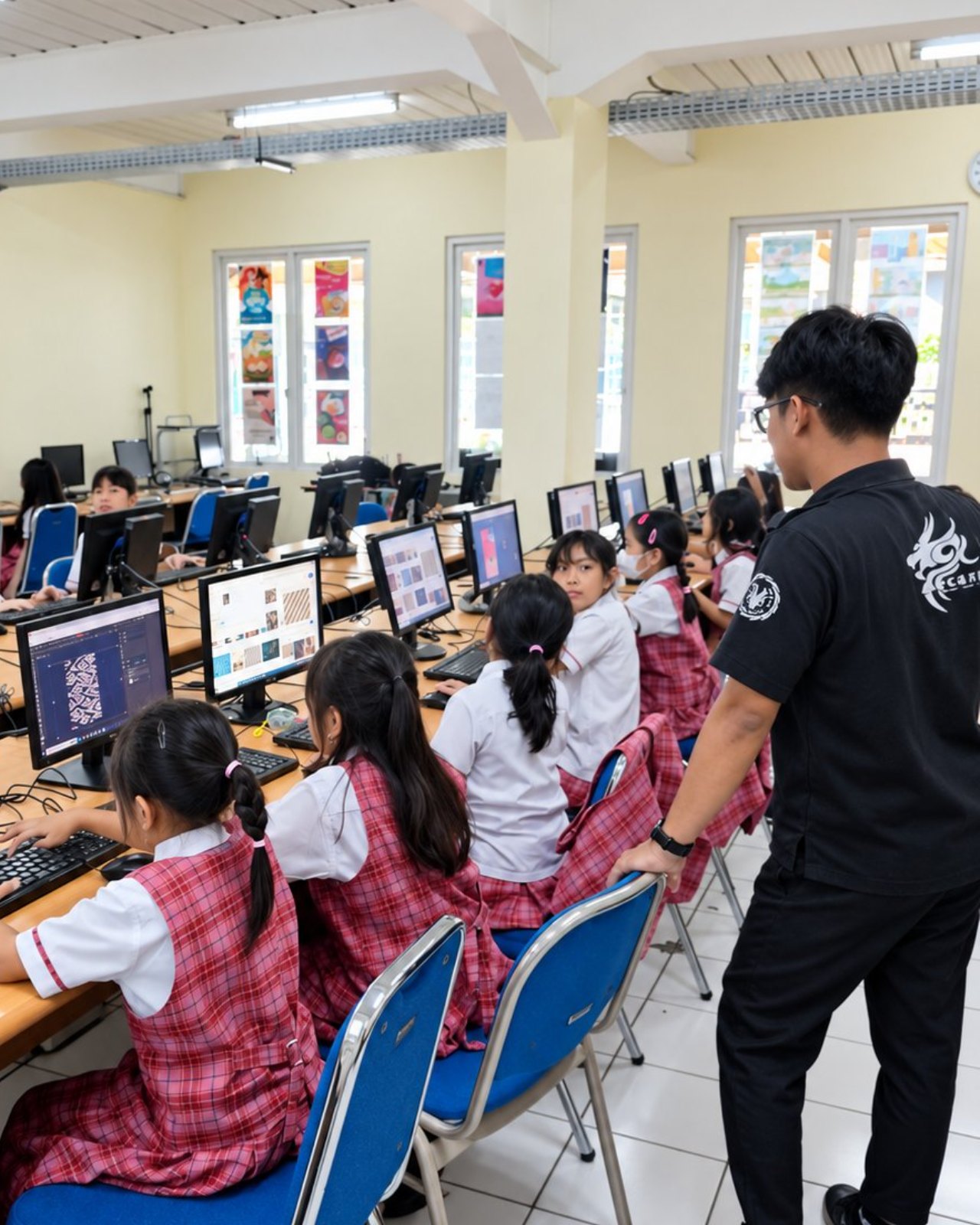 Photo: Graphic Design 3
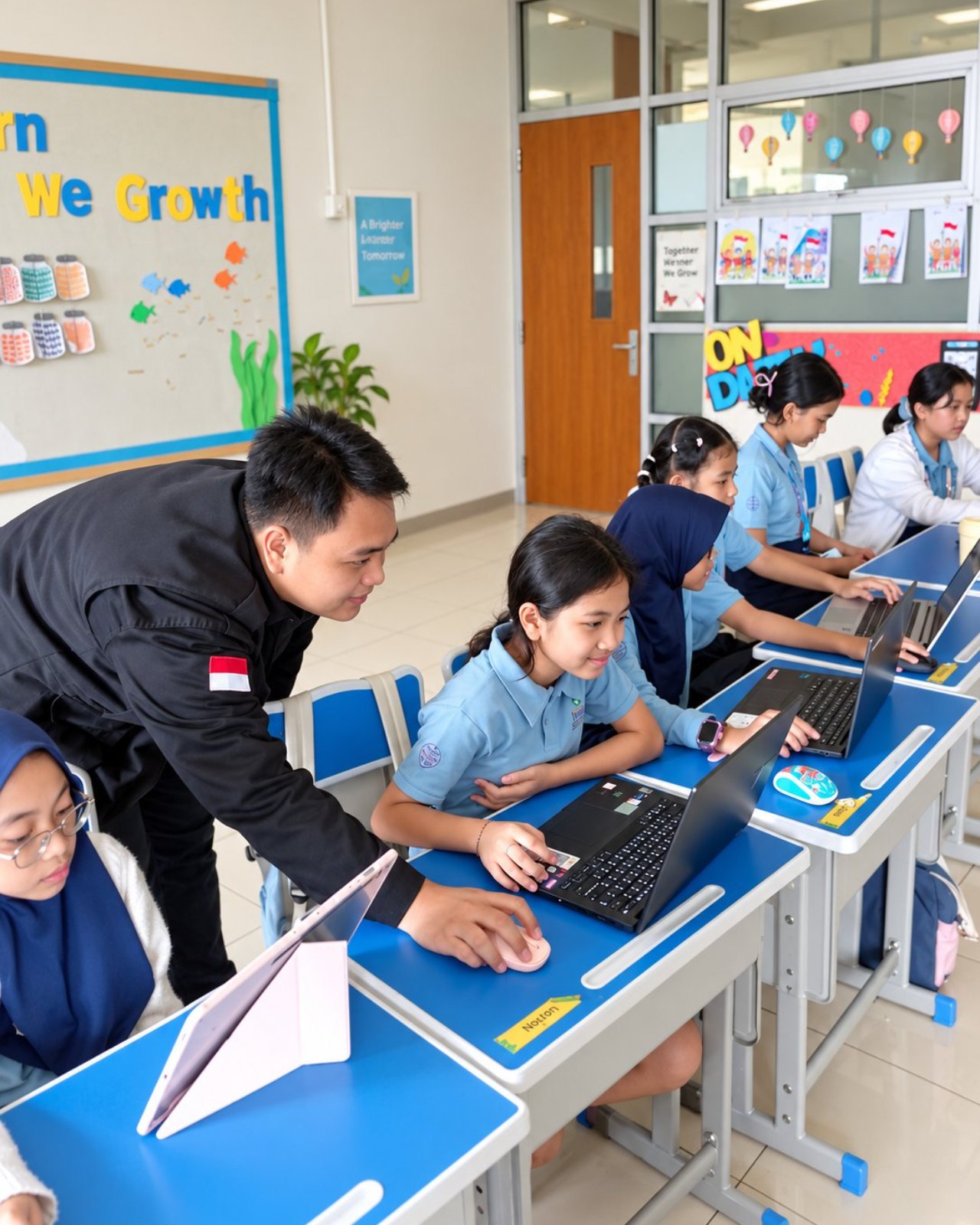 Photo: Graphic Design 4
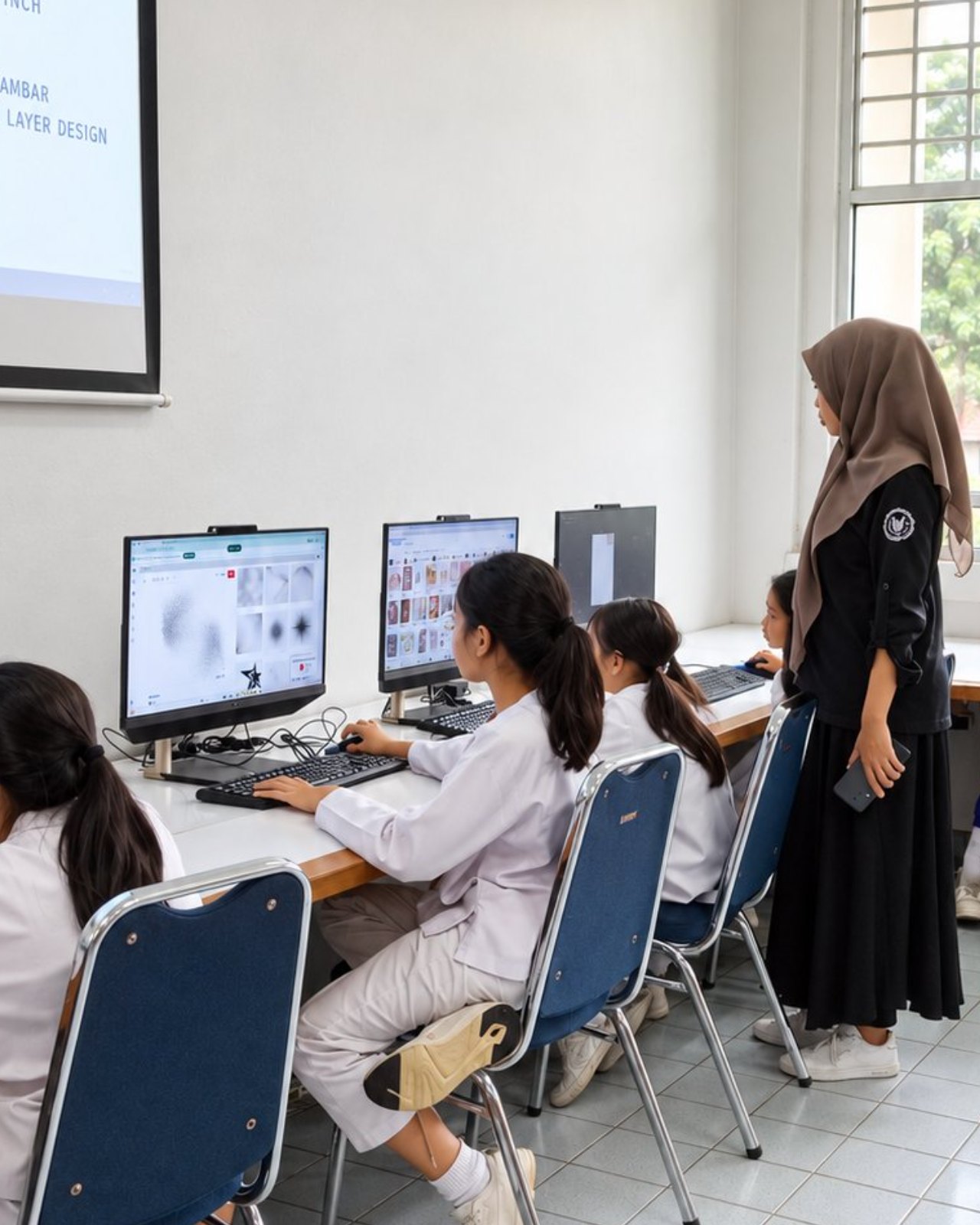 Photo: Graphic Design 5
Questions about Graphic Design
Does the school need a special room?
Classroom (plus outdoor space for some activities).
What do students need to bring?
Computer & stable internet (online classes only).
How many students are in one class?
Capacity: 8–25/class (offline) · 50 (online). One teacher guides 4–10 students; up to 20 students get two teachers; above 20 a second class opens. Extra teachers at no cost.
How long do students stay in this programme?
There are 12 levels in four stages: Beginner 1–2, Basic 1–6, Intermediate 1–2 and Advance 1–2. One level is one semester (16 sessions) with its own book, so students can continue for years.
How is it different for kindergarten and high school?
The path is the same, but the starting point, pace and depth of work differ. Kindergarten starts in Beginner; new students from elementary to high school start in Basic 1, with middle and high schoolers moving faster and more independently. See "For every school level".
Is there a class for parents or teachers?
Yes. Adult classes are custom-built with the school: topics, number of sessions and schedule are agreed together. Participants who want to continue can move on to the Intermediate stage.
Which software is used?
Beginner uses paper, stamps and tablets, then Photopea templates. Basic uses Photopea, and Intermediate and Advance use Adobe Illustrator. Students' designs are printed on real products.
Can the class run online?
Yes. Classes run offline at school, and an online version is also available.
Can the school try it first?
Yes. We run a free demo class or ASA Expo at your school before enrolment opens.