
Games & Apps Maker
Children learn game and app logic by arranging objects, screens, and simple commands. They build projects they can run, test, and continue from their own files.
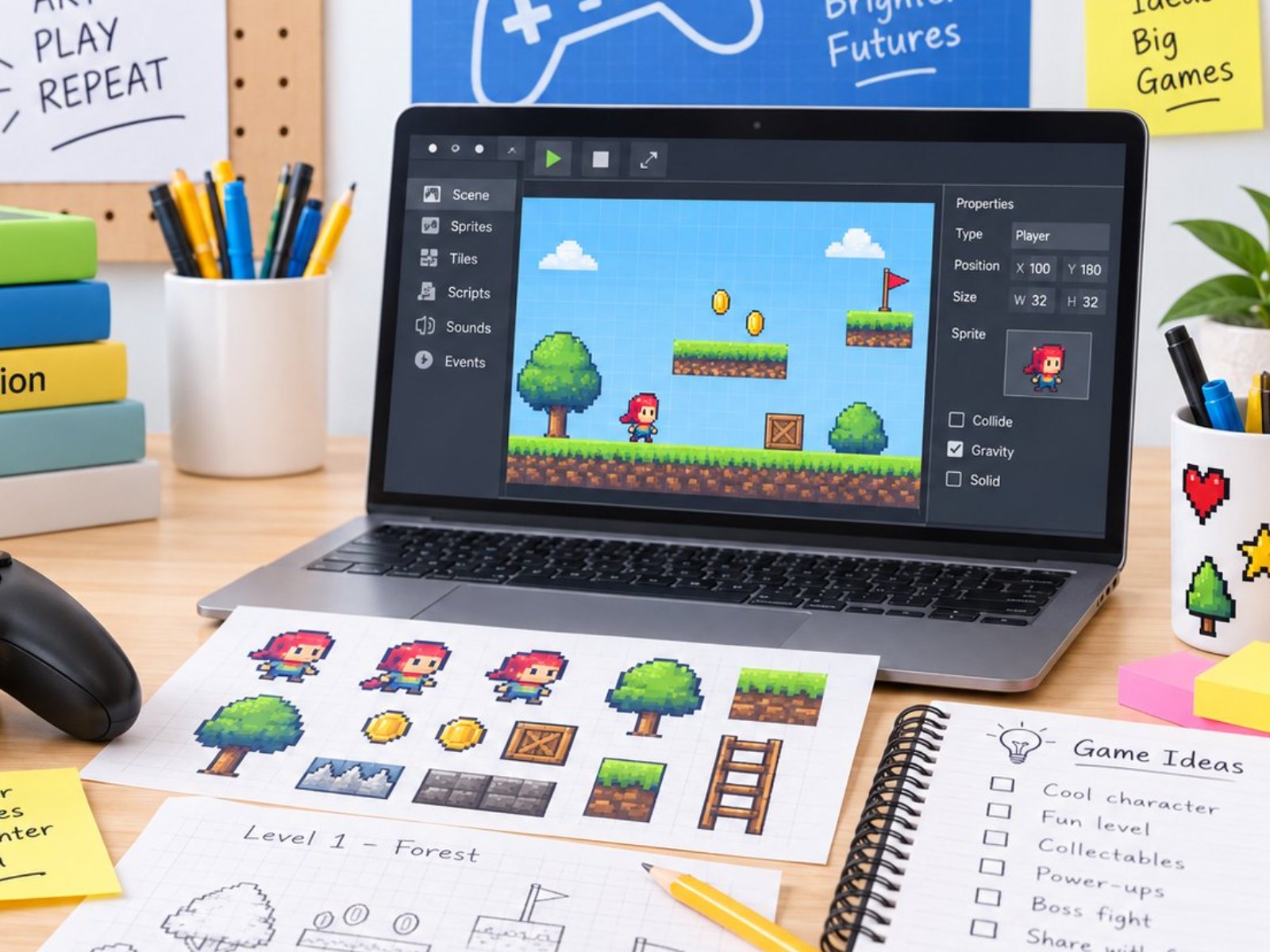 Photo: Games & Apps Maker (5:4)
Class details
offline at school · online available
1 hr/week
8–25/class (offline) · 50 (online)
Indonesian or English
1 teacher per 4–10 students · 2 teachers up to 20 · >20 opens a second class · extra teacher free
A workbook for every level + playable games of their own (students keep the project files)
Computer & stable internet (online classes only)
Classroom (plus outdoor space for some activities)
What every student receives
- 2 playable student-made games & apps on a flash drive
- Project files to continue at home
- Games & Apps Maker step-by-step workbook
- Report card & progress report
- Games & Apps Maker certificate every semester
- Photo & video documentation on request
12 levels · 4 stages
Beginner 1–2 · Basic 1–6 · Intermediate 1–2 · Advance 1–2
16 sessions and one book per level
Kindergarten in Beginner, elementary to high school in Basic 1
2 books · 2 semesters (±1 year)
Kindergarten (K2) – Grade 1
Tools / softwareScreen-free, then tablet (touch blocks)
- Game rules and step sequences with arrow cards
- Touch blocks on a tablet: move, repeat, restart
- A first game played with friends and parents
 Sample work Beginner 1
 Sample work Beginner 2
 Sample work Beginner 3
6 books · 6 semesters (±3 years)
Elementary (new students up to high school start here too)
Tools / softwareScratch
- Movement, score, lives and countdown timers
- Levels, clones, My Blocks and broadcast messages
- Lists and input, design plans, playtesting, an own game project
 Sample work Basic 1
 Sample work Basic 2
 Sample work Basic 3
2 books · 2 semesters (±1 year)
After Basic, mostly middle school
Tools / softwareGameMaker Studio (GML Visual → GML code)
- Moving from Scratch to GameMaker Studio
- Platformer physics, state machines, arrays and the debugger
- Designing levels that classmates test
 Sample work Intermediate 1
 Sample work Intermediate 2
 Sample work Intermediate 3
2 books · 2 semesters (±1 year)
After Intermediate, mostly high school
Tools / softwareGameMaker Studio (GML)
- Game systems: random dungeons and path-finding enemies
- A 2.5D-style game and a game for a school event
- Game jam, a personal game, web release and press kit
 Sample work Advance 1
 Sample work Advance 2
 Sample work Advance 3
For every school level
Every student follows the same path; the starting point, pace and depth of the work match their age.
- Starts at
- Beginner 1
- How they learn
- Screen-free first, then tablets, fully guided by the teacher.
- Sample work
- Floor Maze Hop, Tap & Catch
- Starts at
- Beginner 2 (grade 1) or Basic 1
- How they learn
- Slower pace, often in pairs, with plenty of teacher help.
- Sample work
- Catch & Collect, Maze Adventure
- Starts at
- Basic 1
- How they learn
- One book per semester, growing independence.
- Sample work
- Crystal Islands, Comet Catcher, Robot Café
- Starts at
- Basic 1 (new) · Intermediate (continuing)
- How they learn
- Faster pace and deeper projects; moves on to GameMaker Studio.
- Sample work
- Quiz Safari, Coin Dash, Pixel Jumper
- Starts at
- Basic 1 (new) · Advance (continuing)
- How they learn
- Independent, project-based, up to releasing a game on the web.
- Sample work
- Festival Quest, Dungeon Run, a personal game
- Starts at
- Custom class · can continue to Intermediate
- How they learn
- Topics, number of sessions and schedule set with the school; projects that are useful right away.
- Sample work
- An interactive class quiz, a simple game for children
From the Games & Apps Maker classroom
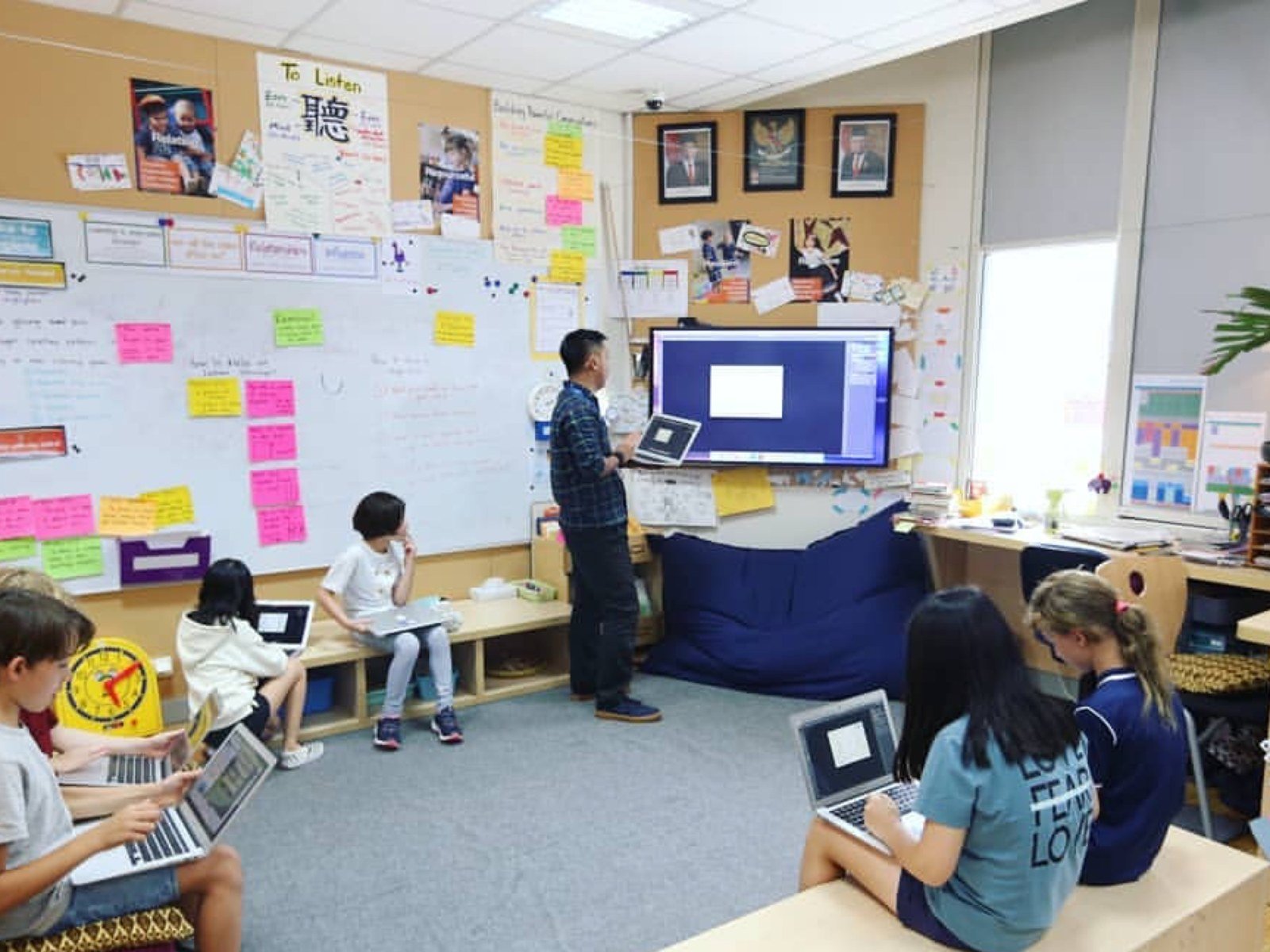 Photo: Games & Apps Maker 1
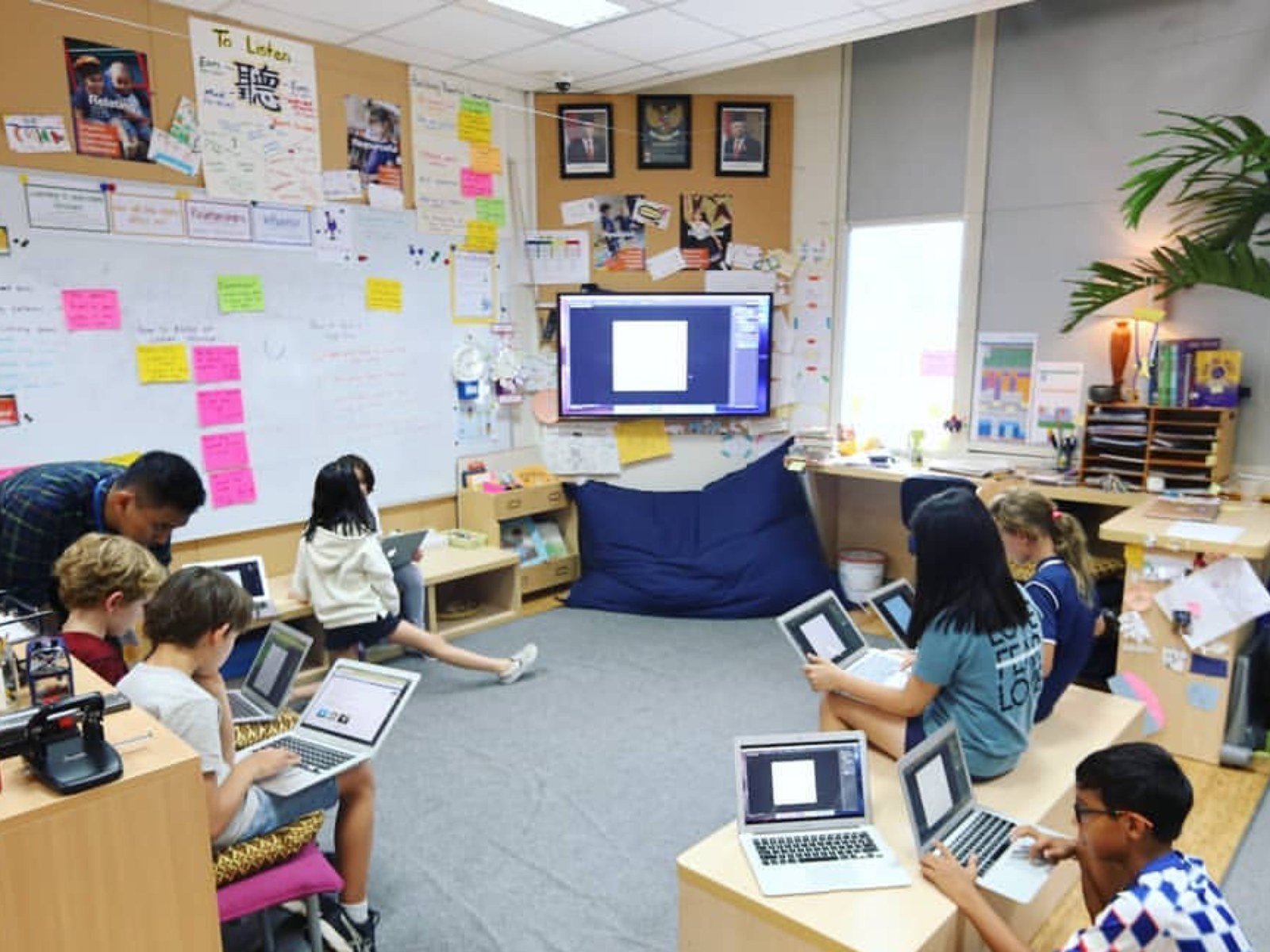 Photo: Games & Apps Maker 2
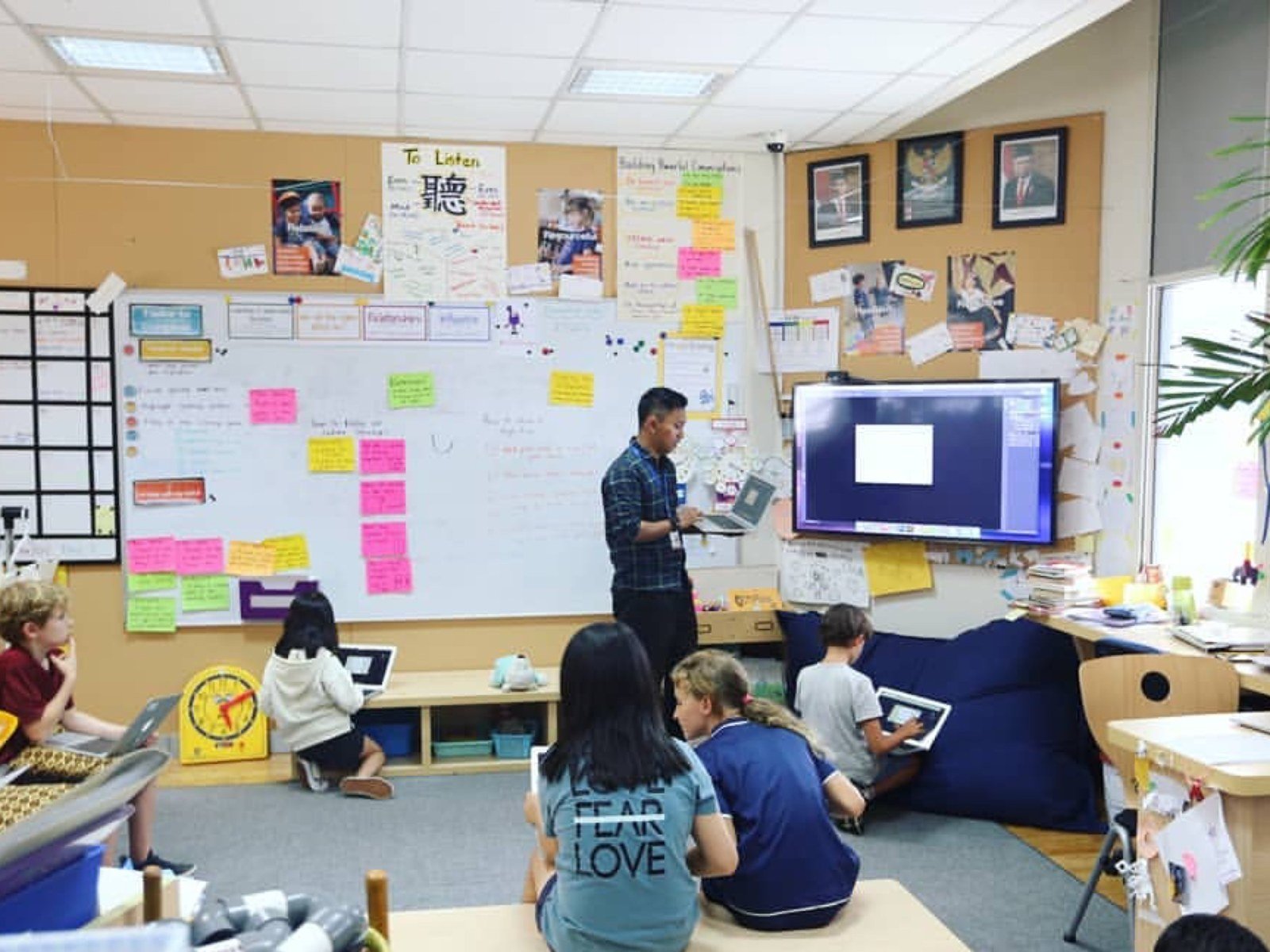 Photo: Games & Apps Maker 3
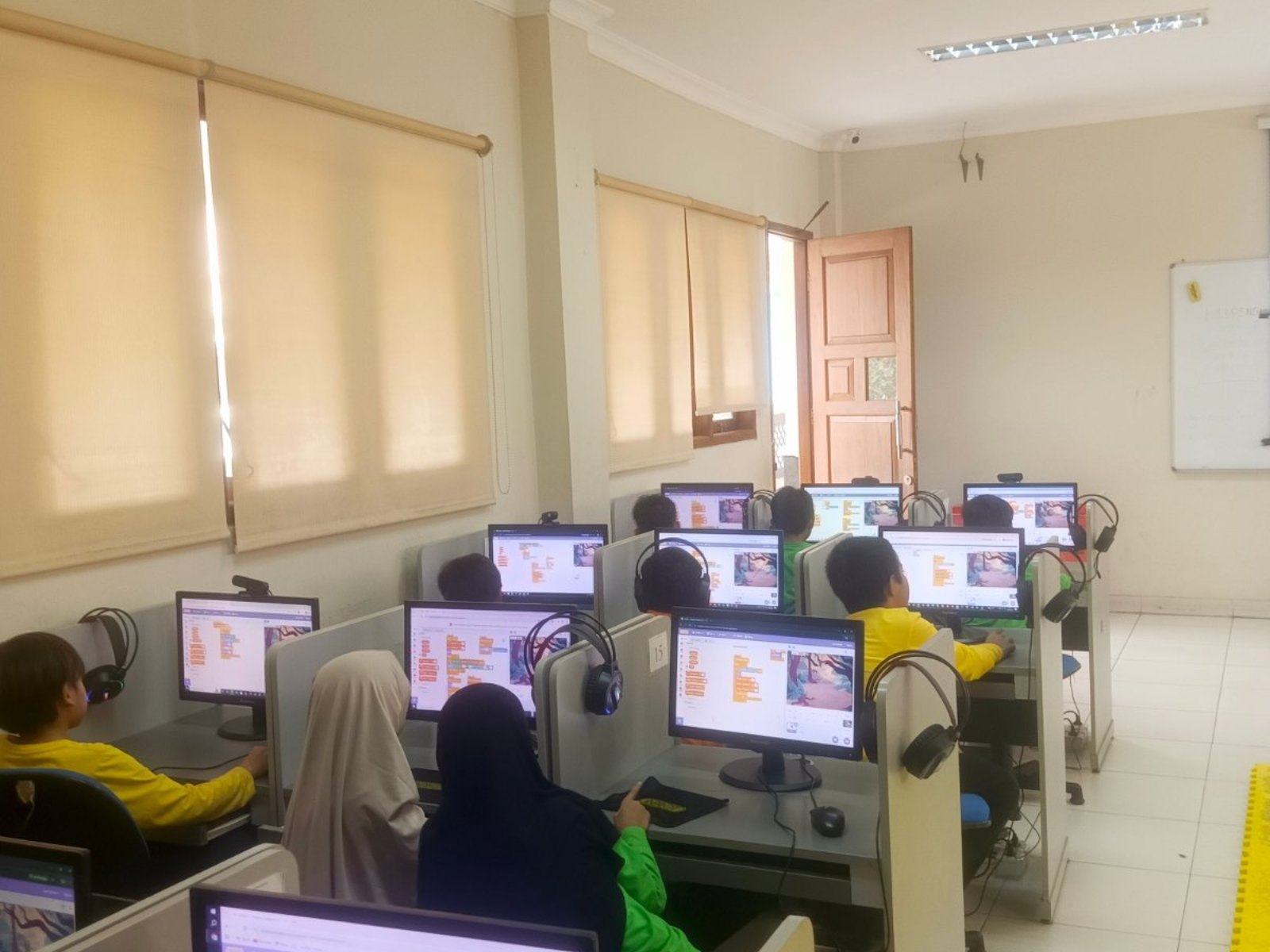 Photo: Games & Apps Maker 4
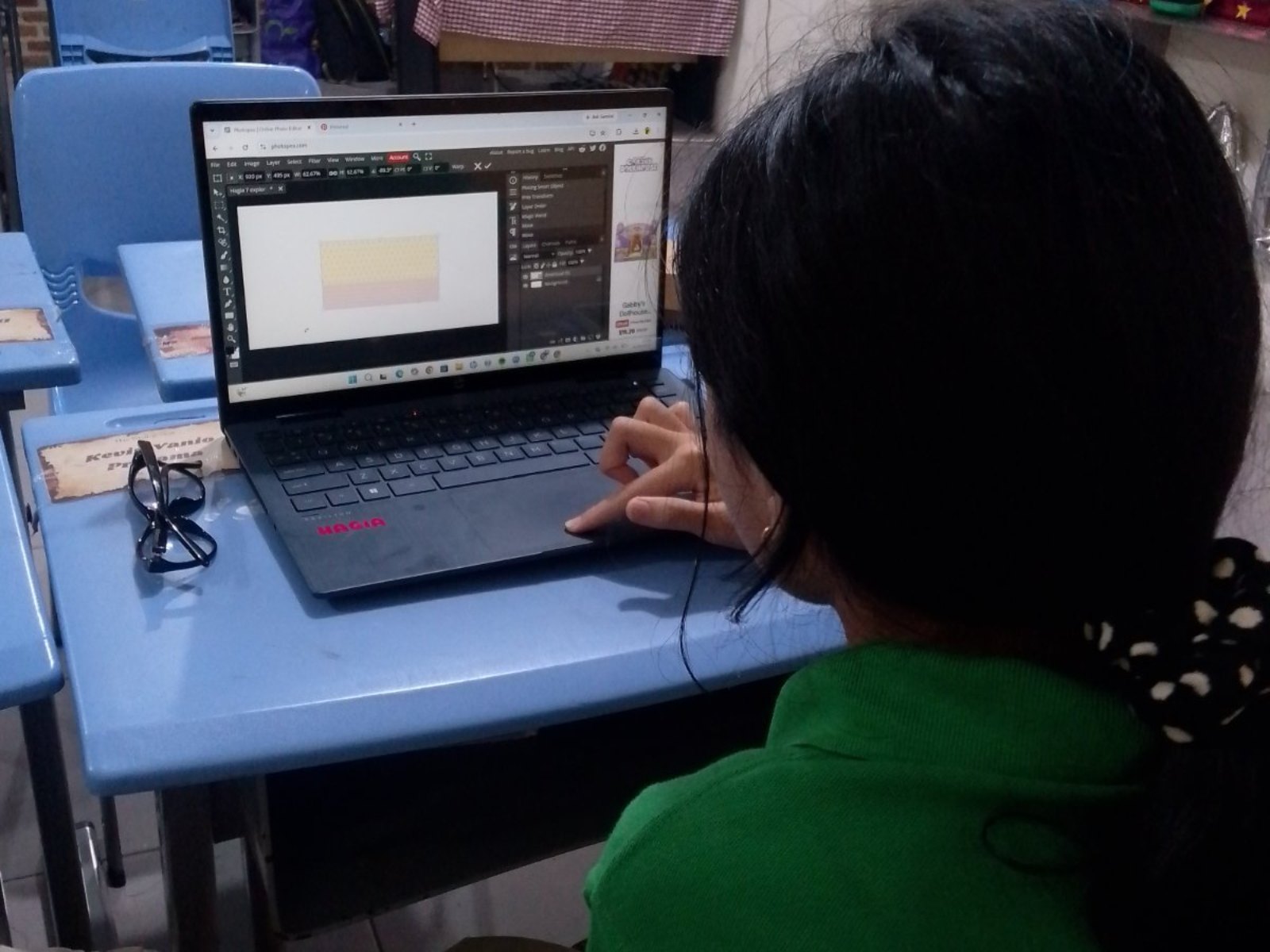 Photo: Games & Apps Maker 5
Questions about Games & Apps Maker
Does the school need a special room?
Classroom (plus outdoor space for some activities).
What do students need to bring?
Computer & stable internet (online classes only).
How many students are in one class?
Capacity: 8–25/class (offline) · 50 (online). One teacher guides 4–10 students; up to 20 students get two teachers; above 20 a second class opens. Extra teachers at no cost.
How long do students stay in this programme?
There are 12 levels in four stages: Beginner 1–2, Basic 1–6, Intermediate 1–2 and Advance 1–2. One level is one semester (16 sessions) with its own book, so students can continue for years.
How is it different for kindergarten and high school?
The path is the same, but the starting point, pace and depth of work differ. Kindergarten starts in Beginner; new students from elementary to high school start in Basic 1, with middle and high schoolers moving faster and more independently. See "For every school level".
Is there a class for parents or teachers?
Yes. Adult classes are custom-built with the school: topics, number of sessions and schedule are agreed together. Participants who want to continue can move on to the Intermediate stage.
Which software is used?
Beginner uses cards and tablets, Basic uses Scratch, and Intermediate and Advance use GameMaker Studio. Students keep all their project files.
Can the class run online?
Yes. Classes run offline at school, and an online version is also available.
Can the school try it first?
Yes. We run a free demo class or ASA Expo at your school before enrolment opens.